

Guide to Playing Card Photography
Playing cards are for more than just games — they’re collectible pieces of art. Every photo submitted to Decklopedia helps with:
Verification
Helps identify and verify decks (especially rare or obscure ones)
Preservation
Preserves design and packaging details that may fade over time
Comparison
Allows collectors to visually compare editions, reprints, and variants
Community Trust
Enhances the quality, trust, and usability of the site
Whether you’re using a smartphone or a DSLR, sharp, well-lit images help ensure your decks are preserved and represented accurately.
Avoid early production / Kickstarter render images whenever possible. Early mockups and promotional renders often change before final printing and may not accurately represent the finished deck.
Exception – Uncut sheets: Renders may be acceptable due to the difficulty of scanning or capturing a properly squared, high-quality image of an uncut sheet.
Stock photos from the producer are generally acceptable. However, when sourcing images from the internet, do NOT use copyrighted images unless they are clearly authorized for reuse.

Google PhotoScan (Smartphone)
- Download and open the Google PhotoScan app – Google Play and Apple App Store
- Place the deck on your chosen background in evenly lit conditions
- Hold the phone directly above the deck and take the main scan
- Follow the app’s prompts to take four corner shots
- Let the app process the image and remove glare
- Save the final image to your phone
Tips:
- Keep your phone level and steady
- Move slowly and avoid tilting
- If shadows or glare appear, reposition slightly and try again
- Ensure the photo is cleanly cropped (no background clutter)
- Confirm the photo has a high enough resolution to clearly read all printed details
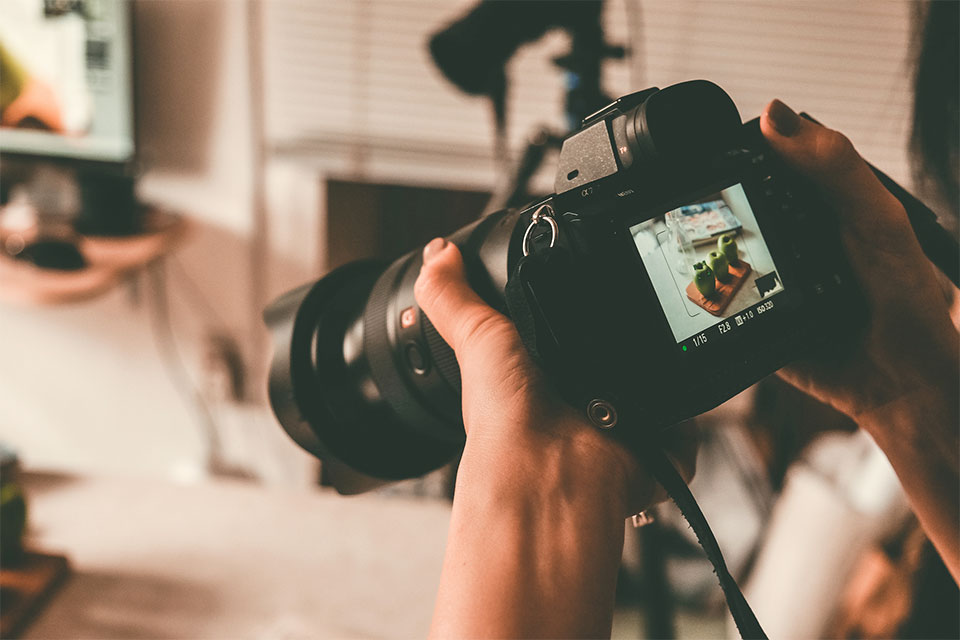
DSLR or Mirrorless Camera Setup
- Mount your camera on a tripod for stability
- Align the lens directly above or slightly angled toward the deck
- Use a remote shutter or timer to avoid shake
- Set white balance to match your light source
- Use a plain background, and if possible, include a color calibration card
Recommended Camera Settings
- Aperture: f/8 to f/11 for full focus across the deck
- ISO: 100–400 for low noise
- Shutter Speed: Adjust based on lighting — slower speeds are fine with a tripod
- Format: Shoot in RAW for editing flexibility
- Use a polarizing filter to reduce glare on foil or glossy elements
Step-by-Step Guide
Choose the Right Background
- Use a clean, solid-colored background with good contrast to the deck
- White paper works well for dark decks
- Black or colored paper works best for white or light decks
- Avoid wood grain, textured surfaces, or any patterns that distract from the deck
Set Up Proper Lighting
- Use soft, indirect lighting
- Natural light from a window is ideal (but avoid direct sunlight)
- For indoor lighting, use two soft, diffused light sources at 45-degree angles
- Avoid harsh overhead lights, flash, or fluorescent bulbs
- Adjust angles to eliminate glare and shadows on the deck surface
Prepare the Deck and Your Camera
- Wipe your camera lens to remove any smudges or dust
- If you plan to open the deck, remove the cellophane first to avoid reflections
- If the deck will stay sealed, carefully position your light and camera to minimize glare from shrink-wrap
Final Touches and Upload
- Make light adjustments to brightness, contrast, and white balance
- Crop and rotate as needed to center the image
- Do not over-edit — colors and finishes should reflect the real deck
- Save the highest quality version
- Upload your image to Decklopedia with appropriate labels or notes
Submission Checklist
| Task | Complete? |
| Clean lens and prepare deck | |
| Use proper, contrasting background | |
| Set up soft, even lighting | |
| Lightly edit and save high-quality | |
| Upload to Decklopedia |
Final Notes
Your photography doesn’t just showcase your deck — it contributes to a shared visual history. Clean, well-composed images make Decklopedia more useful for researchers, collectors, designers, and everyday enthusiasts.
By taking the time to photograph your decks with care, you’re helping preserve and celebrate the art of playing cards for generations to come.
Stay up-to-date